 ARK
ARKARK Admin Commands: the complete list (cheats & console)
Every ARK admin command: open the console, enablecheats, god/fly/ghost, spawn items (gfi), summon and tame dinos, server commands (kick, ban, saveworld). Evolved & Ascended.
In ARK, open the console with the Tab key (PC). In single player cheats are on by default; on a server, authenticate first with enablecheats <AdminPassword>. Then prefix every command with admincheat. The 3 most useful: admincheat god (invincible), admincheat fly (fly) and admincheat forcetame (instantly tame the creature you are looking at).
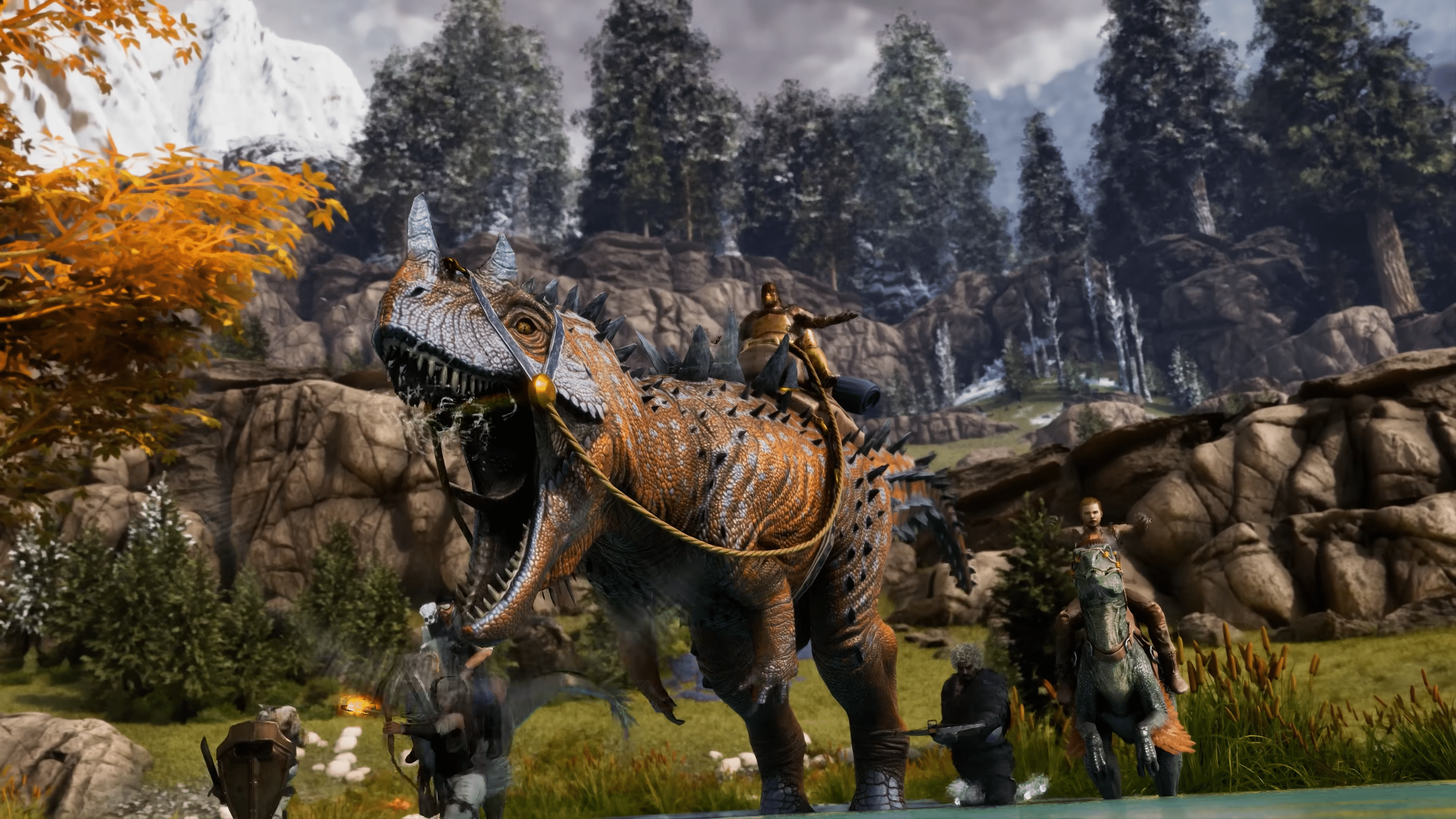
This guide collects the ARK admin commands (cheats and console commands) for Survival Evolved and Survival Ascended alike: opening the console, spawning items and dinos, managing players and the server. To try all of this on your own world you need a server: see our plans on the ARK: Survival Evolved & Ascended server page.
Open the console and enable admin rights
Before any command, you need console access and administrator rights.
Open the console:
- PC: press the
Tabkey. A single press opens the admin console at the bottom of the screen. - Xbox / PS5: pause the game, then open the console from the menu (trigger combination depending on the platform).
Get admin rights:
- In single player or a non-dedicated session: commands are available immediately, no password needed.
- On a dedicated server: you must authenticate with the server admin password (
ServerAdminPassword):
enablecheats YourAdminPassword
Once authenticated, every command prefixed with admincheat is unlocked for the duration of your session.
cheat or admincheat?
Both prefixes exist and often cause confusion:
cheat <command>: use it in single player or as the host of a non-dedicated session.admincheat <command>: use it on a dedicated server once authenticated. The command is recognized even remotely and logged server-side.
When in doubt, admincheat works in every case: that is the prefix to remember.
The essential admin commands
Here are the basics, the ones you use most.
| Command | Effect |
|---|---|
admincheat god | Invincible mode (note: you can still drown) |
admincheat fly | Lets you fly |
admincheat walk | Disables flying |
admincheat ghost | Walk through walls and objects (noclip) |
admincheat infinitestats | Infinite health, stamina, food, water and weight |
admincheat teleport | Teleport in the direction you are facing |
admincheat setplayerpos <x> <y> <z> | Teleport to exact coordinates |
admincheat settimeofday <hh:mm> | Change the world time |
admincheat slomo <value> | Change game speed (1 = normal) |
admincheat saveworld | Force an immediate save |
enablecheats MyPassword
admincheat god
admincheat fly
admincheat settimeofday 07:00
Spawning items (gfi, giveitem)
This is the most common admin use. The method depends on the game version.
On Ascended (and Evolved) - by blueprint name: the gfi command (Give Fuzzy Item) accepts a fragment of the item name.
admincheat gfi <ItemName> <Quantity> <Quality> <Blueprint 0/1>
admincheat gfi Sword 1 1 0
admincheat gfi PrimalItemResource_Wood 100 1 0
- Quantity: number of copies.
- Quality:
0to100depending on the item (weapons, armor, saddles). - Blueprint:
0for the finished item,1for its blueprint.
Full path (both versions): for a specific item, giveitem with the exact blueprint path in quotes.
admincheat giveitem "<Blueprint_Path>" <Quantity> <Quality> <Blueprint>
Evolved only - by numeric ID: Ascended removed numeric IDs, but they still work on Evolved.
admincheat giveitemnum <ItemID> <Quantity> <Quality> <Blueprint>
To gear up in one go: admincheat GiveItemSet and admincheat givecolors 100 (all dyes).
Summoning and taming dinos
| Command | Effect |
|---|---|
admincheat summon <ClassName> | Summon a wild creature of random level |
admincheat gmsummon "<Blueprint>" <level> | Summon a tamed creature at the chosen level |
admincheat forcetame | Instantly tame the creature you are looking at |
admincheat dotame | Tame the targeted creature (with taming effectiveness) |
admincheat destroywilddinos | Remove all wild dinos (they respawn) |
admincheat destroyall <ClassName> | Destroy every creature of a type |
admincheat gmsummon "Rex_Character_BP_C" 150
admincheat summon Ptero_Character_BP_C
admincheat forcetame
The destroywilddinos command is essential after changing the server difficulty: it forces wild dinos to respawn at the new levels. For everything about regular taming, see our guide on how to tame a dinosaur.
Level and experience commands
| Command | Effect |
|---|---|
admincheat addexperience <amount> 0 0 | Give experience to the player |
admincheat setmyplayerlevel <level> | Set your character level |
admincheat giveengrams | Unlock all engrams |
admincheat GiveAllExplorerNotes | Unlock all explorer notes |
admincheat SetTargetDinoColor <region> <color> | Change a color region of the targeted dino |
admincheat addexperience 10000 0 0
admincheat setmyplayerlevel 100
admincheat giveengrams
Server administration commands
To manage players and the server, once authenticated as admin.
| Command | Purpose |
|---|---|
admincheat listplayers | List connected players with their ID |
admincheat kickplayer <ID> | Kick a player |
admincheat banplayer <ID> | Ban a player |
admincheat unbanplayer <ID> | Lift a ban |
admincheat TeleportToPlayer <ID> | Teleport you to a player |
admincheat TeleportPlayerIDToMe <ID> | Teleport a player to you |
admincheat broadcast <message> | Full-screen message to the whole server |
admincheat ServerChat <message> | Message in the server chat |
admincheat saveworld | Force a save |
admincheat DoExit | Shut down the server |
admincheat listplayers
admincheat broadcast Restart in 5 minutes
admincheat saveworld
Manage admins from the Lordhosting panel
At Lordhosting, the admin password (ServerAdminPassword) and backups are set directly from the control panel, with no file editing. Head to the management of your ARK server to set your admin password, schedule automatic backups and restart the server in one click. The full setup (name, crossplay, rates, difficulty) is covered in our guide on configuring an ARK server.
Common command mistakes
1. Forgetting enablecheats. On a server, no admin command works until you type enablecheats <AdminPassword>.
2. Forgetting the admincheat prefix. On a server, god alone does nothing: you need admincheat god.
3. Forgetting the quotes. Blueprint paths (gmsummon, giveitem) must be in quotes: admincheat gmsummon "Rex_Character_BP_C" 150.
4. Using numeric IDs on Ascended. giveitemnum and creature IDs no longer exist on Ascended: use gfi (items) and summon/gmsummon (dinos) with names.
5. Not aiming at the target. forcetame, dotame and SetTargetDinoColor apply to the creature you are looking at: put your crosshair on it before confirming.
FAQ - ARK admin commands
The answers to the most frequent questions are in the FAQ box below. Missing a question? Contact Lordhosting support via Discord.