 Minecraft Java Edition
Minecraft Java Commands: The Complete and Up-to-Date List
Every Minecraft Java command: open the console, gamerules (keepInventory...), teleportation, XP, effects, server admin commands (op, ban, whitelist) and Java exclusives. Step-by-step guide.
On Minecraft Java, press T (or directly /) to open the chat and type a command. Cheats must be enabled when the world is created, or an operator (OP) on a server can run everything. The 3 most useful commands: /gamemode creative to switch to creative, /gamerule keepInventory true to keep your inventory when you die, and /tp <player> <x> <y> <z> to teleport.
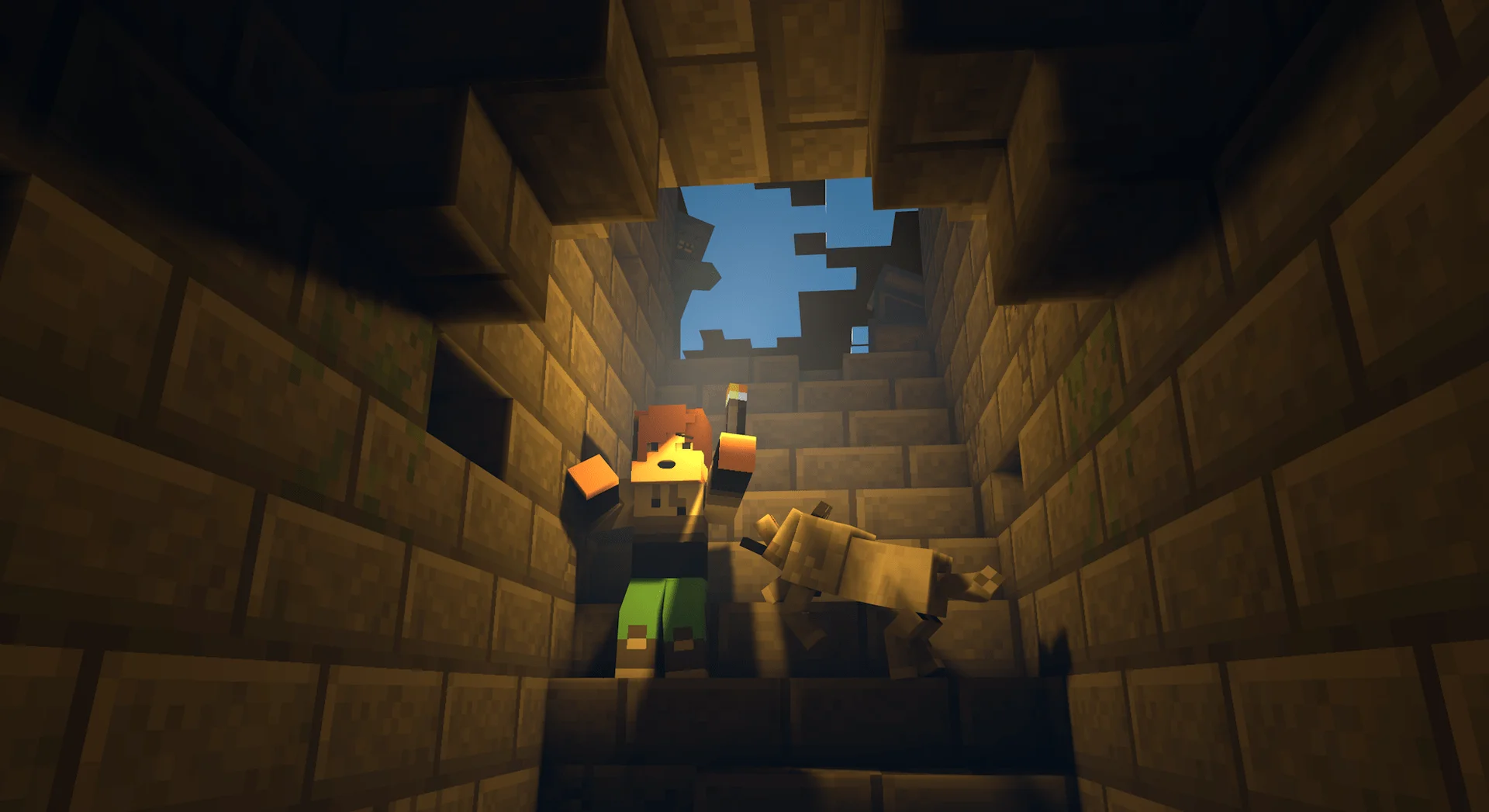
Opening the command console on Minecraft Java
Before typing a single command, you need to know how to access it.
In single-player:
- Press
Tto open the chat, or directly/to pre-fill the slash. - Type your command and confirm with
Enter. - Commands require that cheats are enabled when the world is created ("More Options" then "Allow Cheats").
- If you forgot to enable them: open your world to LAN (
Escapethen "Open to LAN" then "Allow Cheats: On") to unlock them for the duration of the session.
On a server (operator rights):
On a multiplayer server, commands are reserved for operators (OP). An OP can run all commands, even if cheats are disabled in the world options. To grant OP status from the server console: op <PlayerName>. From the in-game chat if you are already an OP: /op <PlayerName>.
The essential commands on Java
Here are the must-know commands, along with their Java syntax.
| Command | Syntax | Description |
|---|---|---|
/gamemode | /gamemode <mode> [player] | Changes the game mode (survival, creative, adventure, spectator) |
/tp | /tp <target> <x> <y> <z> | Teleports a player or an entity |
/give | /give <player> <item> [quantity] | Gives an item to a player |
/kill | /kill [target] | Kills an entity (without a target: kills the executor) |
/time | /time set <value> | Changes the world time |
/weather | /weather <clear|rain|thunder> [duration] | Changes the weather |
/gamerule | /gamerule <rule> <value> | Changes a game rule |
/effect | /effect give <target> <effect> <duration> <level> | Applies a potion effect |
/enchant | /enchant <target> <enchantment> [level] | Enchants the item held in hand |
/xp | /xp <number>[L] <player> | Gives or removes experience (alias /experience) |
/summon | /summon <entity> [x y z] | Summons an entity |
/fill | /fill <x1> <y1> <z1> <x2> <y2> <z2> <block> | Fills an area with blocks |
/setblock | /setblock <x> <y> <z> <block> | Places a specific block |
/locate | /locate structure <structure> | Locates the nearest structure |
/seed | /seed | Displays the world seed |
/op | /op <player> | Grants operator status |
/kick | /kick <player> [reason] | Kicks a player from the server |
/ban | /ban <player> [reason] | Bans a player |
/whitelist | /whitelist add <player> | Manages the whitelist |
/say | /say <message> | Broadcasts a server message |
World management commands
Changing the time and weather (/time, /weather)
Bringing back daytime is one of the most requested commands. Key values for /time set:
0orday= sunrise6000= noon12000ornight= start of night18000= midnight
/time set day
/time set 6000
/time add 1000
For the weather (see also our dedicated tutorial on removing rain):
/weather clear
/weather rain 300
/weather thunder 60
The essential gamerules
Gamerules change the fundamental rules of the world. Universal syntax: /gamerule <rule> <true|false>.
| Gamerule | Value | Effect |
|---|---|---|
keepInventory | true | Keeps your inventory after death |
mobGriefing | false | Prevents mobs from destroying blocks (Creepers, Endermen...) |
doDaylightCycle | false | Freezes the day/night cycle |
doMobSpawning | false | Disables mob spawning |
naturalRegeneration | false | Disables natural health regeneration |
/gamerule keepInventory true
Teleportation and spawn (/tp, /spawnpoint, /setworldspawn, /locate)
Teleportation uses three types of coordinates:
- Absolute:
100 64 -300(a fixed position in the world) - Relative:
~ ~10 ~(an offset from the current position,~alone = 0) - Local:
^ ^ ^5(5 blocks in front of you, based on your orientation)
/spawnpoint <player> [x y z]
/setworldspawn [x y z]
/locate structure minecraft:stronghold
/locate biome minecraft:jungle
Player and XP commands
Game modes (/gamemode, /difficulty)
The four available modes:
survival(or0) = Survivalcreative(or1) = Creativeadventure(or2) = Adventurespectator(or3) = Spectator
/gamemode creative @a
/gamemode survival Steve
/difficulty peaceful
/difficulty hard
Target selectors are specific to Java and Bedrock: @a targets all connected players, @p the nearest player, @s the executor, @e all entities.
Giving items and XP (/give, /xp)
/give @p minecraft:diamond_sword 1
/give @a minecraft:torch 32
/xp 5L Steve
/xp 1000 @p
/xp -3L @s
The L suffix indicates whole levels. Without L, these are raw XP points. On Java, the /experience alias works the same way.
Potion effects and enchantments (/effect, /enchant)
/effect give @p minecraft:strength 60 1
/effect give @p minecraft:speed 120 2
/effect clear @p
/enchant @s minecraft:sharpness 5
The syntax for effects is: /effect give <target> <effect> <duration in seconds> <level (0 = level I)>. To exceed the legal enchantment levels, you need to use /give with NBT data (Java exclusive).
Server admin commands
Managing players (/op, /kick, /ban, /whitelist)
These commands are part of every Java server administrator's daily routine.
| Command | Syntax | Admin use |
|---|---|---|
/op | /op <player> | Grants operator rights |
/deop | /deop <player> | Removes operator rights |
/kick | /kick <player> [reason] | Temporarily kicks |
/ban | /ban <player> [reason] | Permanent ban |
/ban-ip | /ban-ip <IP> [reason] | Bans an IP address |
/pardon | /pardon <player> | Lifts a ban |
/whitelist | /whitelist add/remove/list | Manages the whitelist |
/list | /list | Lists connected players |
To go further, check out our tutorial on how to enable the whitelist on your server.
Saving and stopping the server (/save-all, /stop)
These commands are run from the server console (without the /) or from the in-game chat if you are an OP:
save-all
save-off
save-on
stop
/save-all forces an immediate save. /save-off disables automatic saves during heavy modifications, then /save-on re-enables them.
Configuring admin rights on your server
At Lordhosting, operator management is done directly from the control panel, without typing any commands in the console. Go to the section dedicated to your Minecraft server to add or remove OPs in a few clicks, configure the whitelist and manage permissions by level (from 1 to 4).
The operator level ranges from 1 (basic commands) to 4 (all commands, including /stop and /op). It is set via op-permission-level in server.properties, or directly from the panel.
Java-exclusive commands
Java has a more complete command system, with several commands that don't exist on Bedrock.
| Command | Description |
|---|---|
/execute | Runs a command under conditions (replaces /testfor) |
/data | Reads and modifies the NBT data of entities and blocks |
/advancement | Manages players' advancements (achievements) |
/team | Manages scoreboard teams |
/worldborder | Sets and manages the world border |
/forceload | Forces chunks to stay permanently loaded |
/fillbiome | Changes the biome of an area (1.19.3+) |
/tick | Freezes or speeds up game time (1.21+) |
/bossbar | Creates custom boss bars |
/item | Manipulates the items in an inventory (replaces /replaceitem) |
Common mistakes with Java commands
1. Forgetting the slash /. In the chat, every command must start with /. Without it, the text is sent as a message. In the server console and command blocks, the slash is optional.
2. Wrong item or entity identifier. On Java, identifiers use the full namespace: minecraft:diamond_sword, not diamond_sword.
3. Insufficient rights. If the command doesn't run, check that you are indeed an OP on the server, or that cheats are enabled in the world.
4. Commands removed since 1.13. Several commands were removed from Java: /testfor (replaced by /execute if entity), /testforblock (by /execute if block), /blockdata and /entitydata (merged into /data), /replaceitem (by /item), /achievement (by /advancement), /stats (by /execute store). If your command doesn't work, check that it isn't outdated.
FAQ - Minecraft Java Commands
The answers to the most frequently asked questions are in the FAQ box below. Is a question missing? Contact Lordhosting support via Discord.